How to choose
Which hub and protocol to choose so your devices keep working
Wi-Fi, Zigbee, Z-Wave or Thread: how to pick a smart home hub on local control and the published security support period, not on the box.
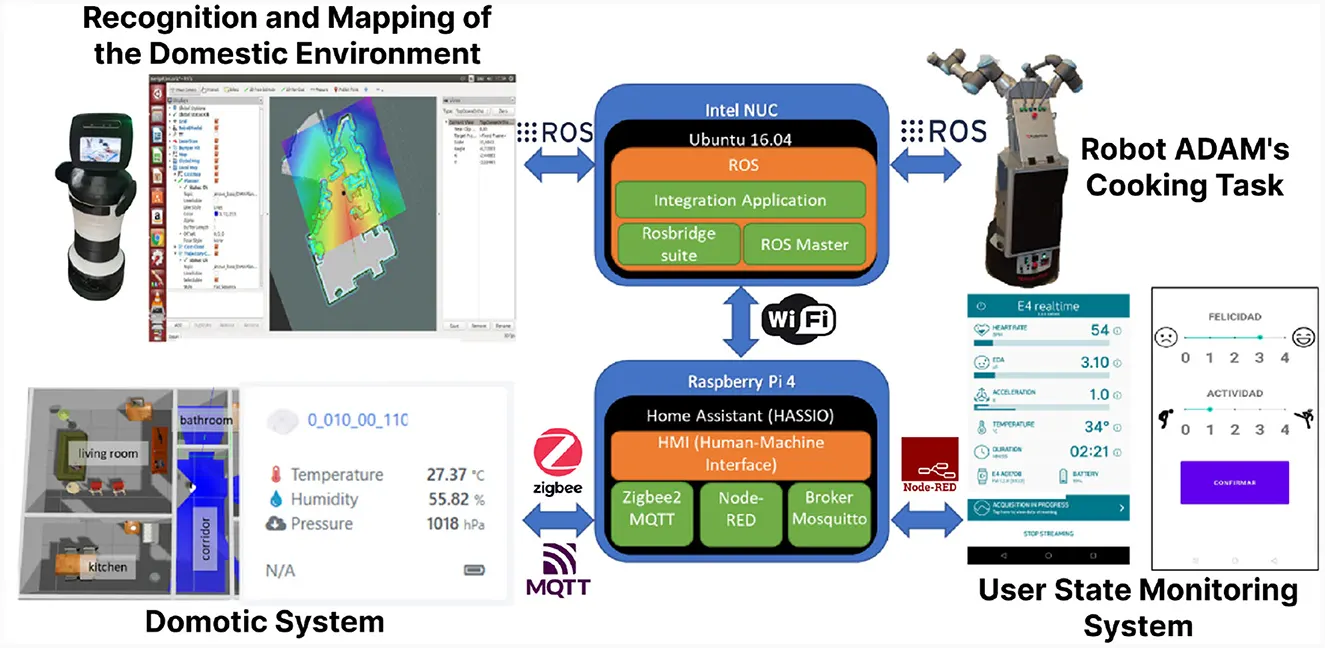
A smart home is not a collection of gadgets. It is a radio network with one decision at the centre of it — which protocol your devices speak and what listens to them — and that decision is expensive to reverse once twenty devices are commissioned.
This guide takes the decision in the order that matters: local or cloud, then how long the manufacturer has promised to support the thing, then which radio. Example prices are used to show the arithmetic and were checked on 2026-11-03. No live prices are tracked on this site.
Decide local or cloud before you decide anything else
A device that runs its automations on hardware in your house keeps working when the broadband drops. A device that runs them on a server keeps working only while that server exists and while your connection to it does. The difference is invisible on the shelf and obvious the first time a router reboots at seven in the morning and the heating does not come on.
Matter is the standard built around that distinction. The Connectivity Standards Alliance describes the first specification release as running on Wi-Fi and Thread network layers, using Bluetooth Low Energy for commissioning, with consistent and responsive local connectivity as a stated reliability goal. A Thread device joined to a border router in your house is designed to be controlled locally.
That does not make every Matter product independent of the cloud, because a manufacturer can still put features in an app that only the app can reach. The test to apply before buying is simple: turn the broadband off and see which of the device's functions survive. If the answer is none, you have bought a subscription with a plug on it.
| Protocol | Needs a hub | Works with the internet down | What to check before buying |
|---|---|---|---|
| Wi-Fi, 2.4 GHz | No | Only if the app has a local mode | How many clients your router holds, and whether anything works offline |
| Zigbee | Yes | Yes, for automations the hub runs itself | That the hub you buy is the hub you still want in 5 years |
| Z-Wave | Yes | Yes, for automations the hub runs itself | The regional radio band: a unit bought abroad may not join a UK hub |
| Thread, with Matter | A border router | Yes, local control is part of the design | That the product is listed as Matter certified and states a support period |
Mains-powered Zigbee and Thread devices normally relay for their neighbours; battery ones normally do not. That is why a mesh of ten plugs is more reliable than a mesh of ten door sensors.
The support period is the number that decides it
Since 29 April 2024, manufacturers of connectable consumer products sold in the United Kingdom have had to publish a defined support period — the minimum length of time for which the product will receive security updates — in a form, the regulations say, understandable by a reader without prior technical knowledge. It is the only forward-looking number on the product page, and almost nobody reads it.
Turn it into money. A starter system at an example £180 with a published support period of 3 years costs £60 for each supported year. The same £180 with a 7-year period is about £26 a year. That is a bigger difference than any sensible argument about which app is nicer, and it is printed before you buy rather than discovered afterwards.
The same regulations require two other things worth checking: passwords must be unique per product or set by the user, and must not be based on incremental counters or on publicly available information, and the manufacturer must publish at least one point of contact for reporting security issues, free of charge and without prior request. A product page with none of that on it is telling you something about the company behind it.
| Published support period | Cost per supported year | What happens at the end |
|---|---|---|
| 2 years | £90.00 | The hardware still works; new vulnerabilities stop being fixed |
| 3 years | £60.00 | Same, three years later |
| 5 years | £36.00 | Usually long enough to outlast the router it joined |
| 7 years | £25.71 | Comparable with the life people expect from a boiler control |
Each figure is £180 divided by the years in the row. A support period is a minimum and may be extended, in which case the regulations require the new period to be published as soon as is practicable.
Count the devices before you count the features
Every Wi-Fi smart plug is one more client on your router, competing with laptops and televisions for the same 2.4 GHz air. Twenty plugs is twenty clients. Twenty Zigbee or Thread devices is one client — the hub or border router — and twenty radios on a band nothing else in the house is using.
That is the practical reason mesh protocols exist, and it is why a household that expects to pass about a dozen devices should not start on Wi-Fi. Below a dozen the simplicity of plug-and-app usually wins, because there is no hub to buy, place, power or replace.
Placement follows from the same arithmetic. A border router or hub sitting in a cupboard under the stairs covers a different house from one on a hallway shelf, and the devices cannot compensate for it. Mains-powered devices extend the mesh; battery sensors sit at the edge of it and stay there.
- Count the devices you expect in two years, not the three you are buying today
- Under about a dozen, Wi-Fi with a local mode is usually the cheaper answer
- Over about a dozen, a hub or border router stops being optional
- Place the hub centrally and high before blaming any individual device for dropping out
- Check the published support period on every product page before adding to basket
Three things that are not reasons to choose
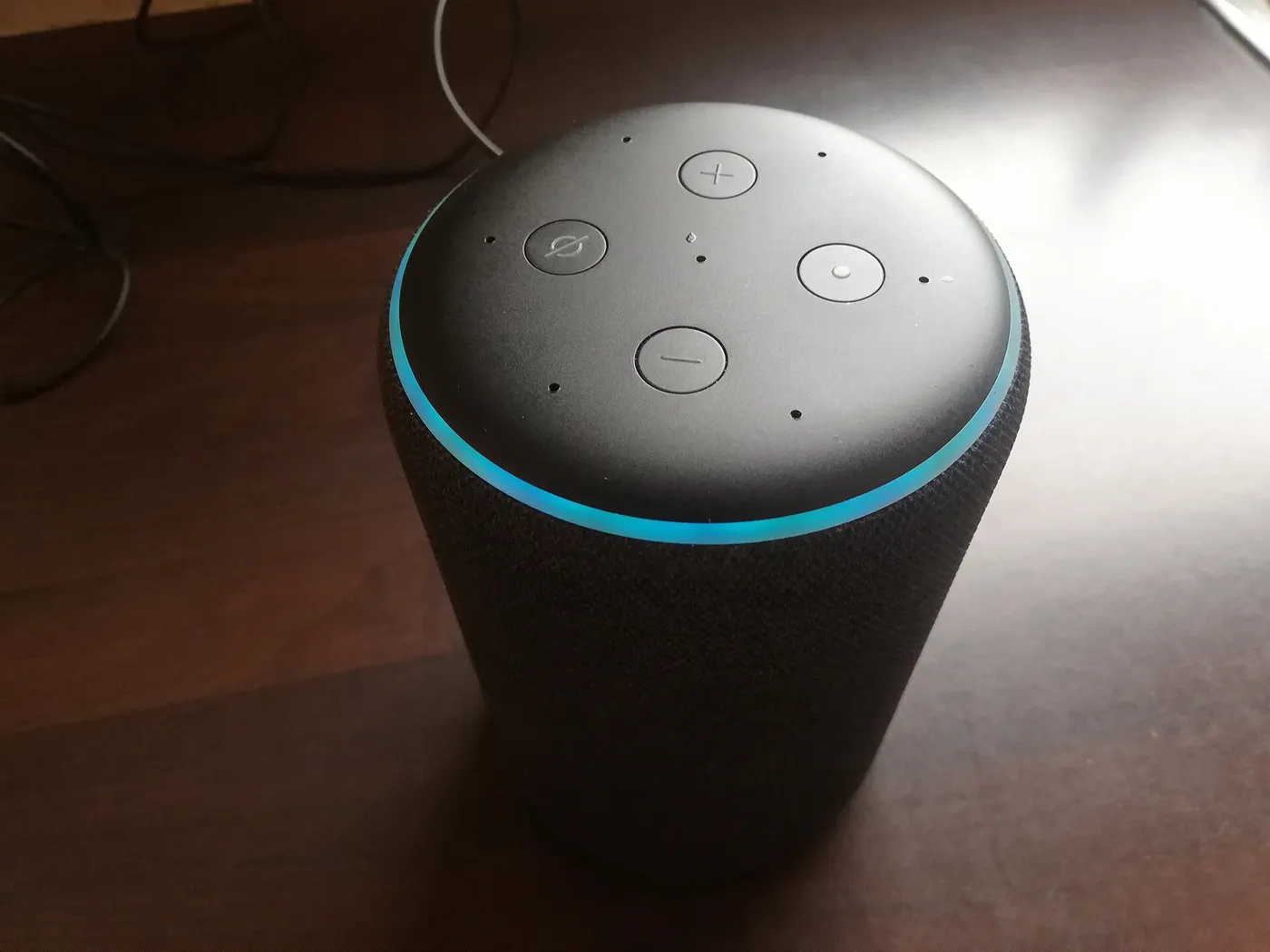
A voice assistant is not a protocol. A speaker that controls your lights is a client of whatever system those lights are already on, and swapping speakers does not change the radio underneath. Choosing a whole system to match a speaker you already own is choosing the smallest part of the decision.
Neither is the app's appearance. You will use the app heavily for a fortnight while commissioning and almost never afterwards, because the point of the exercise is that the lights come on without being asked. What you will live with for years is whether automations run locally and whether the model is still getting updates.
The third is the starter bundle discount. A bundle at an example £180 that saves £30 against buying the parts separately is worth roughly one year of the £24 gap between a 3-year and a 5-year support period on the table above — and that gap repeats every year, while the £30 happens once.
What actually decides it
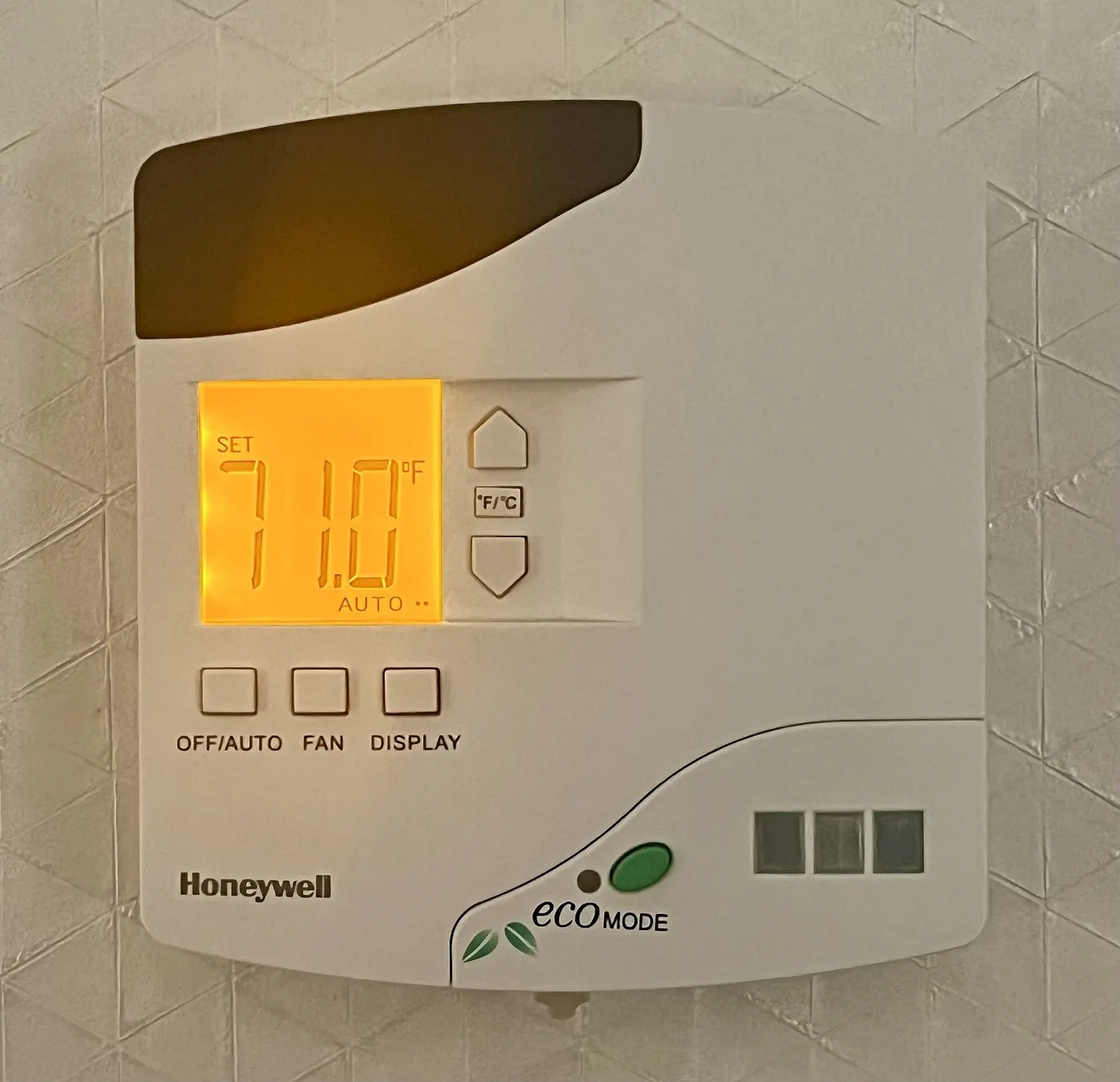
If the heating, the locks or anything else safety-adjacent is in scope, local control is not negotiable and the shortlist is Zigbee, Z-Wave or Thread with a hub in the house. If it is lamps and plugs only, Wi-Fi with a local mode is a reasonable and cheaper start.
Then take the longest published support period you can get for the money. At an example £180 of hardware the difference between a 2-year and a 7-year commitment is £90 against £25.71 for each supported year, and that single column separates systems more sharply than any feature list does.
Before you buy
- Decide which automations must survive a broadband outage before choosing a system
- Find the published support period for every device and write the end date down
- Divide the hardware price by the supported years to compare systems on the same basis
- Count the devices you expect in two years and pick Wi-Fi or a mesh protocol accordingly
- Check that the manufacturer publishes a security contact point, free and without request
- Place the hub or border router centrally and high, before buying repeaters
- Turn the broadband off in the shop's return window and see what still works
Questions readers ask
- Where do I find a product's support period?
- On the manufacturer's own product or support page, because since 29 April 2024 UK law requires them to publish a defined support period for connectable consumer products, written so a non-technical reader can understand it. If a listing does not show one and the manufacturer's site does not either, that absence is itself a result worth acting on.
- Does Matter mean my devices will work with everything?
- It means they speak a common language over Wi-Fi and Thread, commissioned over Bluetooth Low Energy. It does not mean every feature of every device is exposed to every controller, because manufacturers keep extras in their own apps. Treat Matter certification as a guarantee of the basics, not of the whole feature list.
- Do I need a hub if I only have four smart plugs?
- No. Four Wi-Fi plugs are four clients on a router that already carries a dozen, and a hub adds a box, a socket and a point of failure for no benefit at that scale. The question changes at roughly a dozen devices, where the air on 2.4 GHz and the router's client list both start to matter.
- Can I buy smart devices from an overseas seller?
- You can, but Z-Wave uses different regional radio bands, so a unit bought outside the United Kingdom may simply not join a UK hub. Wi-Fi, Zigbee and Thread devices are more portable, though the plug, the certification and the support period published for your market may all differ from the one you are reading.
- What happens when the support period ends?
- The hardware keeps working. What stops is the manufacturer's commitment to issue security updates, which matters most for anything with a camera, a microphone or a lock on it. A support period can be extended, and the regulations require the new period to be published as soon as is practicable, so it is worth rechecking rather than assuming.
Sources
- legislation.gov.uk — Product Security and Telecommunications Infrastructure (Security Requirements for Relevant Connectable Products) Regulations 2023, Schedule 1 (passwords, vulnerability reporting, defined support period) — checked 2026-11-03
- Connectivity Standards Alliance — Matter: runs on Wi-Fi and Thread network layers, Bluetooth Low Energy for commissioning — checked 2026-11-03
- GOV.UK — Unfair commercial practices (CMA207): total price in an invitation to purchase, applying from 6 April 2025 — checked 2026-11-03
Advertising is not enabled on this site yet. When it is, ads will be labelled and kept visually separate from the guides.