Setting up
Setting up a smart home that survives a router change
Naming, the 2.4 GHz band, hub placement and the security rules in force since 29 April 2024 — set up once so a new router does not cost you an evening.
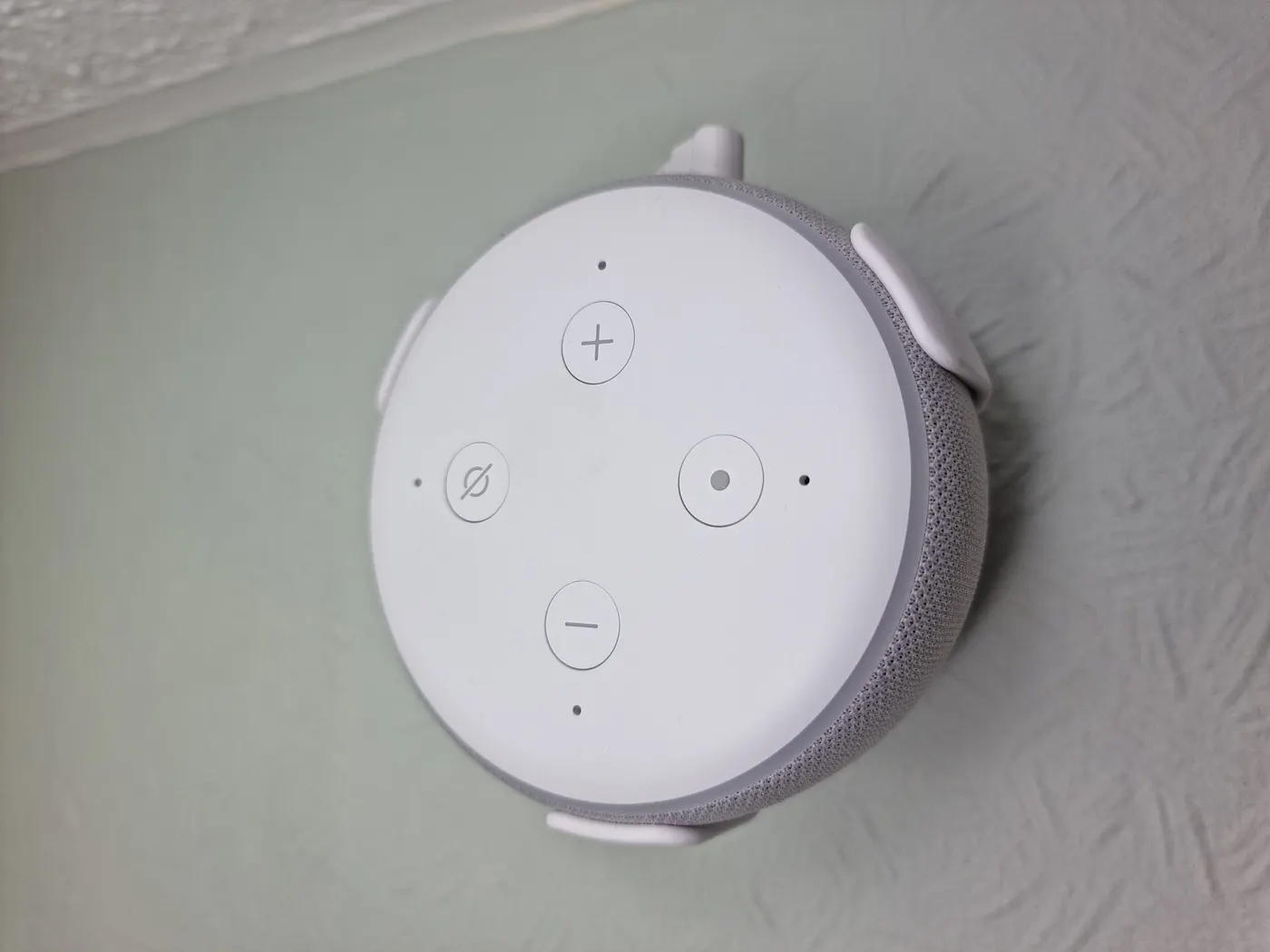
Most smart home frustration is not caused by the devices. It is caused by decisions made in the first hour of setting them up: a network name that changes, device names nobody can read in a year, and a hub placed where there was a spare socket.
This guide is the hour done properly. Figures below are planning assumptions where they describe your time, and quoted requirements where they describe the law. Everything was checked on 2026-11-03.
Write four things down before you commission anything
Commissioning is the point at which a device learns your network, your account and its own name. Doing it badly is invisible for about a year, and then a router dies, or someone asks why the bedroom lamp is called Plug 3.
Four pieces of information carry the whole system. Record them in one place before the first device comes out of its box, and the rest of the setup becomes mechanical.
The fourth of them — the published support period — is the one people have never heard of. UK law has required manufacturers of connectable consumer products to publish a defined support period since 29 April 2024, written so a reader without technical knowledge can understand it, and that end date is what tells you when this device becomes a thing you are keeping rather than a thing that is maintained.
| What to record | Why it matters later | Where to find it |
|---|---|---|
| The 2.4 GHz network name and password | Most smart devices do not join 5 GHz, and a new name means re-commissioning every one of them | The router's admin page |
| A naming scheme, by room and purpose | An automation that refers to Plug 3 stops meaning anything within a year | Your own decision, made once |
| Each model's published support period end date | It tells you when security updates stop for that model | The manufacturer's product or support page |
| Where the hub or border router sits | Mesh coverage is decided here, not by the devices at the edge | Your own floor plan |
The support period requirement comes from the connectable products regulations, which also ban universal default and easily guessable passwords and require a published contact point for reporting security issues.
The 2.4 GHz band, and why a new router breaks everything
Smart plugs, bulbs and sensors overwhelmingly use the 2.4 GHz band, because it travels further through walls and costs less to put in a cheap device. Many routers present 2.4 and 5 GHz under one name and hand a phone the 5 GHz band, which is why commissioning sometimes fails for no visible reason while the phone sits two feet from the device.
The practical setting is a separate, clearly named 2.4 GHz network, with the password recorded. Keep both when you replace the router and every device reconnects on its own. Change either and each device has to be reset and re-commissioned individually.
Put a number on that. Twenty devices at roughly 4 minutes each — reset, app, pairing, rename, reassign to its automations — is about 80 minutes. Forty devices is nearly three hours. Carrying the old network name across to a new router takes about 2 minutes on the admin page, and it is the single highest-value thing in this guide.
- Create or identify a separate 2.4 GHz network and write the name and password down
- Commission every device onto that network, never onto a guest network
- When the router is replaced, set the new one to the same name and password first
- Only then power the new router up, and let the devices find it themselves
- Budget about 4 minutes per device if you ever do have to re-commission
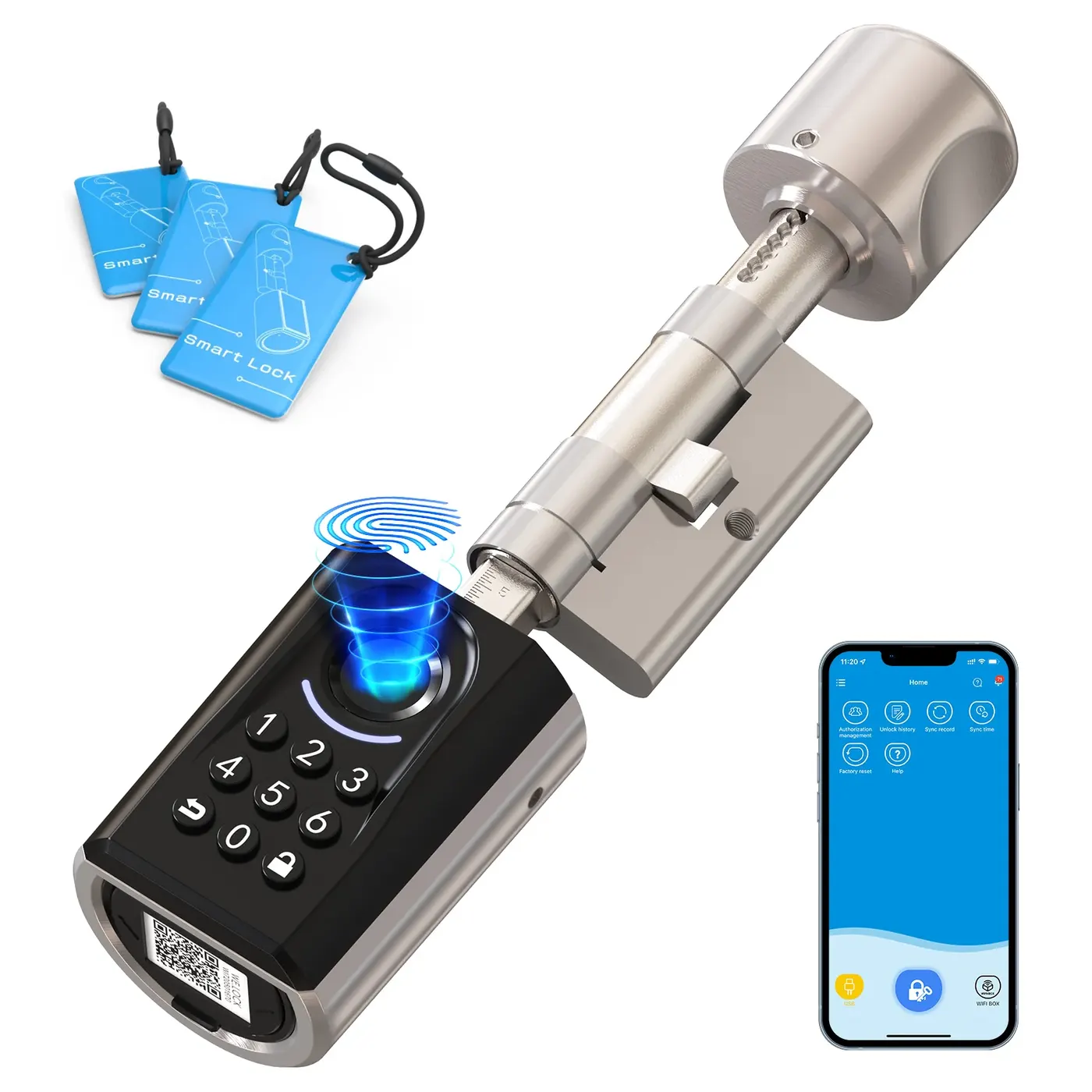
Where the hub goes, and what repeats
Mains-powered mesh devices normally relay traffic for their neighbours. Battery devices normally do not, because listening constantly is what would flatten them. A house with ten mains plugs has a mesh; a house with ten door sensors and one hub has ten devices all shouting at the same box.
So the order of installation matters. Put the hub or border router somewhere central and off the floor, add the mains-powered devices next so the mesh exists, and add battery sensors last. A sensor added to a mesh is a sensor with several routes home; a sensor added before the mesh picks the only route there was and often keeps it.
Commissioning itself has a range constraint of its own. Matter devices are commissioned over Bluetooth Low Energy, so the phone has to be close to the device for that step even though the device will run on Thread or Wi-Fi afterwards. Pair a ceiling fitting on the kitchen table before it goes up a ladder.
| Step | What you do | Why this order |
|---|---|---|
| 1 | Place and power the hub or border router, central and high | Everything after this inherits its position |
| 2 | Commission mains-powered devices: plugs, bulbs, switches | These build the mesh the rest will use |
| 3 | Commission battery sensors and buttons | They now have several routes home instead of one |
| 4 | Name everything by room and purpose, then build automations | Names written during commissioning are the ones that survive |
Pair anything destined for a ceiling or a loft at table height first, because Matter commissioning runs over Bluetooth Low Energy and needs the phone nearby for that step only.
Passwords and updates are now a legal minimum
The connectable products regulations set three requirements that are worth treating as a setup checklist. Passwords must be unique per product or set by the user, and must not be based on incremental counters or on publicly available information, or otherwise guessable in a way unacceptable under good industry practice. Manufacturers must publish at least one point of contact for reporting security issues, accessible, clear and transparent, available without prior request and free of charge. And they must publish a defined support period.
What that gives you at setup time is a short test. If a device arrives with a printed password shared across a product line, or if the manufacturer's site has no security contact and no support period, the product is not meeting the baseline the regime describes, and that is a reason to return it inside the cancellation window rather than a quirk to work around.
On your side, change any password you were allowed to choose, and keep the account that owns the devices separate from the account that owns the house's email if the system permits it. Neither costs anything and both matter more than the brand on the box.
A power cut is the real test
When power returns, three things happen in sequence: the router takes a few minutes to come back, the hub takes a little longer, and every device tries to reconnect at once. A system set up as above recovers unattended. A system where devices were commissioned onto a guest network, or where the hub is behind a smart plug that is itself off, does not.
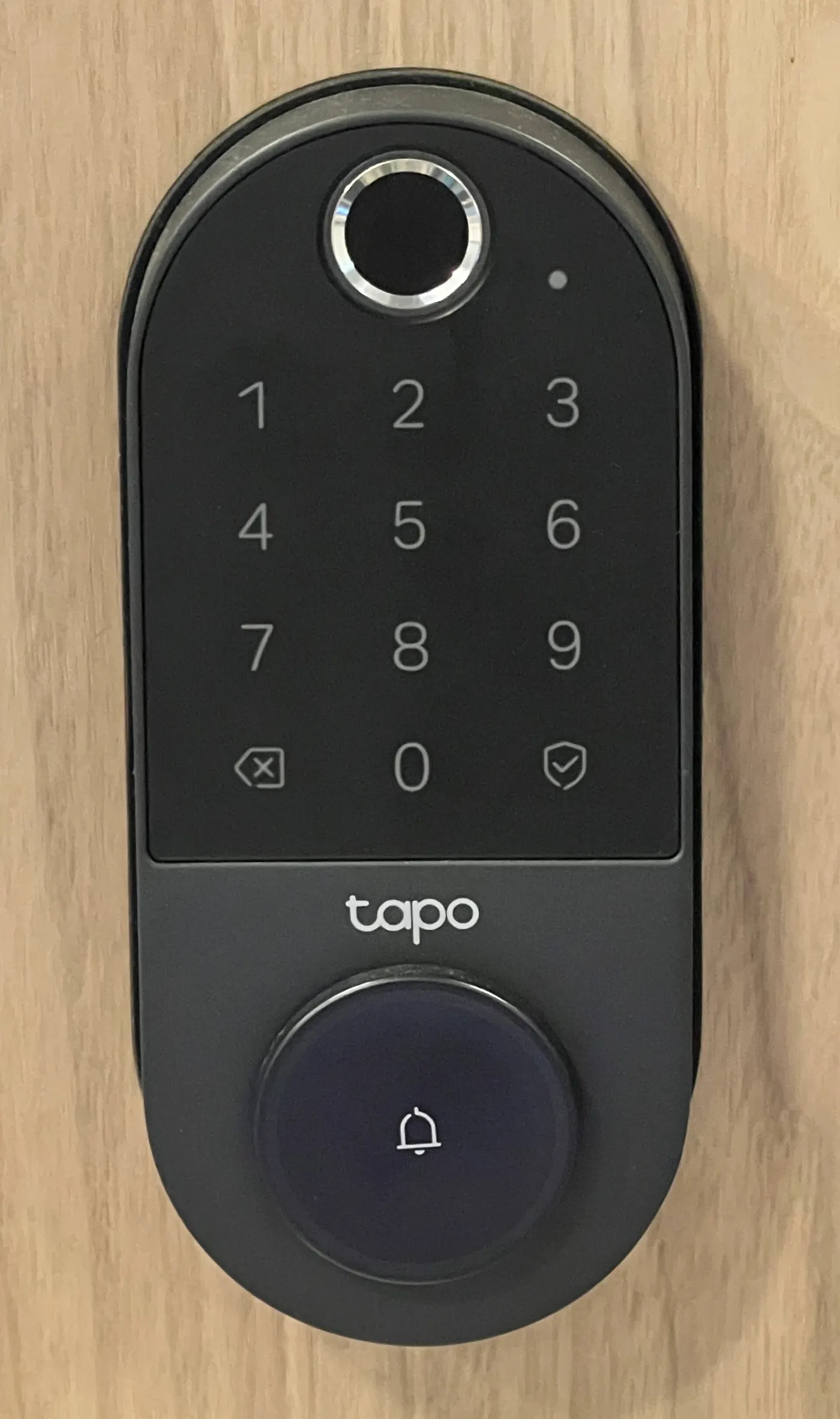
Two rules prevent most of it. Nothing that other devices depend on goes behind a switchable socket — not the router, not the hub, not the border router. And anything with a physical control, particularly heating and locks, keeps that control working without the app, so a flat system is an inconvenience rather than a lockout.
Test it deliberately once, in daylight, by switching off at the consumer unit for two minutes. The failures you find then cost you an afternoon; the same failures found at midnight in January cost considerably more.
Before you buy
- Create or identify a separate 2.4 GHz network and record the name and password
- Agree a naming scheme by room and purpose before commissioning the first device
- Record the published support period end date for every model you install
- Place the hub or border router centrally and high, on a permanently live socket
- Commission mains-powered devices before battery sensors so the mesh exists first
- Pair ceiling and loft devices at table height, because commissioning needs the phone nearby
- Change any password you are allowed to set, and reject defaults shared across a product line
- Test a two-minute power cut in daylight and fix whatever fails to come back
Questions readers ask
- Why will my smart plug not join the network?
- Most commonly because the phone is on the 5 GHz band and the plug only speaks 2.4 GHz, so the app cannot hand over credentials it can use. Putting the phone on the 2.4 GHz network for the commissioning step fixes it. A guest network is the second common cause, because it usually isolates clients from each other.
- How long does it take to re-commission a system?
- About 4 minutes a device once you include resetting it, pairing it, renaming it and putting it back into its automations. Twenty devices is roughly 80 minutes and forty is close to three hours. Copying the old network name and password onto a new router takes about 2 minutes and avoids all of it.
- Does it matter where the hub sits?
- More than any individual device does. A hub central and off the floor covers a different house from one in a cupboard under the stairs, and battery sensors at the edge cannot compensate because they do not relay for each other. Move the hub before buying a repeater.
- What should I check about passwords when a device arrives?
- That the password is unique to the unit or set by you, rather than a default shared across the product line. The regulations ban universal default and easily guessable passwords, including ones derived from incremental counters or publicly available information, so a shared printed default is a reason to return the device rather than configure around it.
- Should the hub be on a smart plug so I can reboot it remotely?
- No. A hub behind a switchable socket is a hub that can be turned off by an automation, a voice command or a power cut that leaves the plug in the wrong state, and then nothing can turn it back on. Put the hub and the router on ordinary, permanently live sockets.
Sources
- legislation.gov.uk — Security Requirements for Relevant Connectable Products Regulations 2023, Schedule 1 (unique or user-defined passwords, published security contact, defined support period) — checked 2026-11-03
- Connectivity Standards Alliance — Matter: Wi-Fi and Thread network layers, Bluetooth Low Energy used for commissioning — checked 2026-11-03
- GOV.UK — Accepting returns and giving refunds: the 14-day cancellation period for distance sales — checked 2026-11-03
Advertising is not enabled on this site yet. When it is, ads will be labelled and kept visually separate from the guides.